How to Automate Your Business for Free (No Credit Card)
You can automate your business for free without a credit card, and Leapd is built for it: every plan starts with a 2-day free trial, and Jack, your AI co-founder, comes included. Leapd runs marketing, outreach, content, ads, and engineering tasks around the clock, starting from $39 a month once the trial ends. This guide covers what free automation tools really offer, what to automate first, and how to build a system that keeps running without constant attention from you.
Why Most 'Free' Business Automation Tools Still Cost You
Here's the pattern: you find a tool promising free business automation, sign up, spend an afternoon setting up your first workflow, and then hit a wall. The automation won't actually run until you enter a credit card. Or you discover the "free" plan caps you at 100 monthly tasks, 5 forms, or 25 AI messages. Your workflow grinds to a halt before it ever helps your business.
Free business automation tools come in three distinct flavors, and knowing which type you're dealing with saves you from building on sand:
- Genuinely free: no credit card, usable indefinitely, with limits you'll rarely hit running a small operation. Free tiers like Zapier's 100 tasks and Tally's unlimited forms fit this type.
- Free with a catch: usable, but with branding watermarks, subdomain-only hosting, or locked features that matter (like custom domains or multi-step workflows).
- Trial masquerading as free: 14 to 30 days, then a hard paywall. Fine for evaluating a tool, dangerous if you build your entire operation on it.
The real risk isn't spending money. It's investing hours building workflows on workflow automation software you'll eventually outgrow or get locked out of. This guide shows you how to automate your business the right way (starting for free, no credit card required) and building toward a system that actually runs itself.
What Business Process Automation Actually Covers (And What to Automate First)
Business process automation software is broader than most founders realize. It's not just scheduling emails or connecting two apps. Done right, it covers nearly every repeatable operation in your business, from email marketing automation to CRM automation to sales follow-up.
Here's what falls under the automation umbrella:
| Category | What Gets Automated |
|---|---|
| Marketing | Content publishing, ad management, social media scheduling, email sequences |
| Outreach | Lead follow-up, LinkedIn outreach, cold email, appointment booking |
| Operations | Invoice generation, payment reminders, data syncing between apps |
| Customer support | Ticket tagging, routing, AI-drafted replies to common queries |
| Growth analytics | Revenue tracking, lead scoring, conversion reporting |
The mistake most business owners make is trying to automate everything at once. They sign up for five automation platforms, spend three weeks building elaborate workflows, and end up with a complicated mess that still doesn't solve the original problem.
Automate in this order instead:
- High-frequency, rule-based tasks first: invoicing, payment reminders, appointment scheduling, and lead follow-up. These are the clearest task automation wins: frequent, repeatable, and cheap to set up.
- Marketing automation second: social publishing, LinkedIn posting, and email sequences free up creative hours without touching revenue-critical processes.
- Growth and analytics third: once the foundation runs, layer in tracking, offer testing, and revenue leak detection.
The goal is delegation, not transformation. Small business automation is about moving repeatable work off your to-do list and onto an automatic system, one workflow at a time, measured by time saved. That gap between knowing what to do and having it executed is the one most founders never close on their own; our state of AI-run businesses research puts the execution gap at 50 points.
Step 1: Audit Your Time: Find the 3 Workflows Stealing Your Hours
Before you touch a single tool, spend one week tracking where your time actually goes. This isn't a productivity exercise, it's reconnaissance. You're looking for the three repetitive tasks that appear most often, take the longest, and require the least human judgment.
How to do it:
- For one week, note every task you complete, how long it takes, and whether it requires a decision or just execution.
- Flag anything that involves copying data between apps, sending the same message in different forms, or manually updating a spreadsheet or CRM.
- Total the time spent per task across the week.
The three workflow types most small businesses find at the top of this list:
- Lead follow-up: chasing prospects who submitted a form, booked a call, or replied to an email, then went quiet.
- Content creation and posting: writing social posts, scheduling them, and repeating the cycle every week.
- Admin and data sync: copying contact info between forms and CRM, updating records, sending invoice reminders.
If you can describe a task step-by-step without making a judgment call mid-way through, you can automate it. If you can't describe it precisely, document it first, then automate. Automating a vague or broken process just makes the mess run faster.
Step 2: Choose the Right No-Credit-Card Automation Tool for Your Stage
Not all AI tools for business automation are built for the same user. Matching tool to stage matters more than picking the "best" workflow automation platform on a generic list. What follows is a map of the free tiers worth knowing, with the honest note on what each one leaves you to buy elsewhere.
If you're a new founder with no existing systems:
Zapier's free tier (100 tasks/month, basic two-step automations) connects 7,000+ apps with no coding. It is a connector, though, not a system of record: you still supply the CRM, the email platform, the forms and the content, and the free tier's two-step ceiling rules out most workflows worth building.
If you live in Google Workspace:
AppSheet turns existing Google Sheets into functional apps with built-in automation and offline support. It solves internal tooling only. Nothing about marketing, outreach, or content lives here, and it never graduates into a customer-facing system.
If you need no-code workflow automation with an AI layer:
Make.com's entry tier includes 1,000 operations per month. One scenario that checks data every hour burns roughly 720 operations per month, leaving room for three to five real workflows. The catch is the same as Zapier's: operations are consumed by every step, so the more sophisticated your logic, the faster the free tier evaporates, and you're still the one designing and maintaining every branch.
If you want a free form-and-data capture layer:
Tally offers unlimited forms and unlimited submissions on its free plan. It captures data and stops there. Routing, scoring, follow-up, and reporting all require something else on top.
The rule of thumb: Pick one automation tool that fits your highest-priority workflow, get it running with real data, measure the time saved, then add the next. Don't stack five tools before any of them prove value, and be honest that each one you add is another subscription, another integration, and another thing to maintain. If that maintenance burden is the part you want to skip, an AI co-founder replaces the assembly job outright.
Step 3: Set Up Your First AI-Powered Marketing Automation Workflow
Marketing automation software for small business doesn't require a dedicated marketing team or a five-figure platform. Your first workflow can be live in under two hours.
The simplest high-value workflow to start with: lead capture → CRM → welcome sequence.
- Create a lead capture form using Tally (free, unlimited submissions). Embed it on your website or share it as a link.
- Connect the form to your CRM via Zapier or Make. Every form submission creates or updates a contact record automatically: CRM automation with no manual data entry.
- Trigger an email sequence from the same workflow. The first email sends immediately; follow-ups go out on a schedule you set once. This is email marketing automation at its simplest, and it compounds.
That three-step chain automates what many founders spend 30-60 minutes a day doing manually: checking form submissions, copying contact details into a CRM, and sending individual follow-up emails.
What to measure after two weeks:
- Time spent on lead intake (should drop to near zero)
- Response time to new leads (should improve from hours to minutes)
- Emails sent vs. leads captured (your sequence should run at 100% without human intervention)
Once this workflow runs cleanly for two weeks, it's time to add the next layer: outreach and lead generation automation.
Step 4: Automate Your Outreach and Lead Follow-Up (Without a Sales Team)
Most revenue leaks happen not because leads don't exist, but because follow-up breaks down. Someone submits a form, books a call, or responds once, and then silence on both sides. Sales automation closes that gap without you watching an inbox all day.
The core outreach automation stack:
- Lead scoring at point of capture: qualification logic embedded directly in your form, so instead of sorting submissions manually you get scored, prioritized leads the moment someone hits submit. Standalone scoring tools handle the scoring and nothing downstream; the sequences and the CRM sync are still yours to build.
- Automated follow-up sequences: HubSpot's CRM includes basic follow-up email automation and creates or updates contact records on every form submission. The free tier is deliberately shallow: branching logic, reporting, and most genuinely useful sequence features sit behind the Marketing Hub upgrade.
- Appointment booking automation: Fillout offers built-in scheduling so leads can book time without back-and-forth emails, and it connects to Google Sheets, Airtable, and Notion. It's a booking layer, not a pipeline; nothing here nurtures a lead that doesn't book.
The sequence that converts:
- Immediate: confirmation email with next step
- Day 2: value email (one tip, no pitch)
- Day 5: follow-up asking a direct question
- Day 10: last-touch email before the lead goes cold
Set this up once. Let it run. Check conversion rates monthly, not daily. Whether your leads come from your website, email, or LinkedIn lead generation, your best next move is optimizing what you've already built, not monitoring it manually.
Step 5: Automate Content Creation and LinkedIn Posting
Content is the compounding asset most solopreneurs neglect (not because they don't value it, but because it demands consistent daily output that's hard to sustain alongside running a business). LinkedIn automation tools and AI content creation change that equation.
What content automation covers:
- Writing and scheduling LinkedIn posts on a consistent cadence
- Repurposing long-form content (blog posts, transcripts) into multiple short-form formats
- Auto-sharing new content across channels via trigger-based workflows
- Generating first drafts with an AI social media post generator, then reviewing before publishing
Building your content automation workflow:
- Set a content calendar: decide your posting cadence (3x per week on LinkedIn is the minimum for compounding reach).
- Use an AI writing tool to generate first drafts from your topic list. General-purpose assistants handle this at $0/month for moderate use, though they know nothing about your voice, your audience, or what performed last week.
- Schedule posts using a social media scheduler like Buffer. Buffer publishes; it doesn't write, engage, or tell you what worked, so the analytics and the drafting stay on your plate.
- Automate repurposing: a trigger can take a new blog post RSS entry and create a draft LinkedIn post automatically.
For LinkedIn specifically, the platforms that add genuine depth (LinkedIn auto posting, profile optimization, viral post discovery, automated outreach) typically require a paid plan, and they arrive one function at a time. A LinkedIn AI coworker that drafts in your voice, publishes, and engages is a single system instead of four subscriptions. But the free foundation (consistent AI-assisted drafting plus scheduled publishing) still puts you ahead of the majority of competitors who post sporadically. For a full breakdown of what's worth paying for, see our guide to the best LinkedIn automation tools for small business owners.
Step 6: Connect Your Tools Into a Single Growth Loop
Individual automations are useful. A connected growth loop is where business automation becomes transformative.
A growth loop connects your marketing, outreach, and content systems so that activity in one drives output in another, without manual handoffs.
A simple growth loop for a solopreneur:
New content published
    → Auto-shared to LinkedIn + email list
    → New subscriber captured via embedded form
    → Contact added to CRM automatically
    → Follow-up sequence triggered
    → Qualified lead books a call
    → Call notes fed back to offer refinement
Each step in that chain happens automatically. Your job shifts from executing the loop to optimizing it.
How to connect your tools:
- Use Make or Zapier as the central nervous system: workflow automation software sits between your other tools and passes data automatically.
- Standardize your CRM as the single source of truth for contact data. Every other tool reads from and writes to it.
- Set up error notifications so you know when a workflow breaks, rather than discovering it days later when a lead goes unanswered.
Built entirely on free tiers, this stack costs $0/month and can realistically cut 10–20 hours per week from your operational load. That's the honest ceiling of the free approach, and it's a real one. What it costs you instead is assembly and maintenance: six or seven accounts, the integration logic between them, and the ongoing job of noticing when something silently stops working. The moment any single tool outgrows its free tier, the paid versions of this stack (LinkedIn content and scheduling, engagement, prospect extraction, enrichment, outreach sequences, and signal tracking) run about $530/month combined. Leapd's Milo plan starts at $39/month, with Jack, your AI co-founder, included.
Step 7: Skip the Setup Entirely: Let AI Build and Run Your Business From Scratch
Every step above assumes you want to build and manage your own automation stack. That's a valid path, and it works. But there's a different approach that bypasses the setup entirely: an AI agent that runs your business for you.
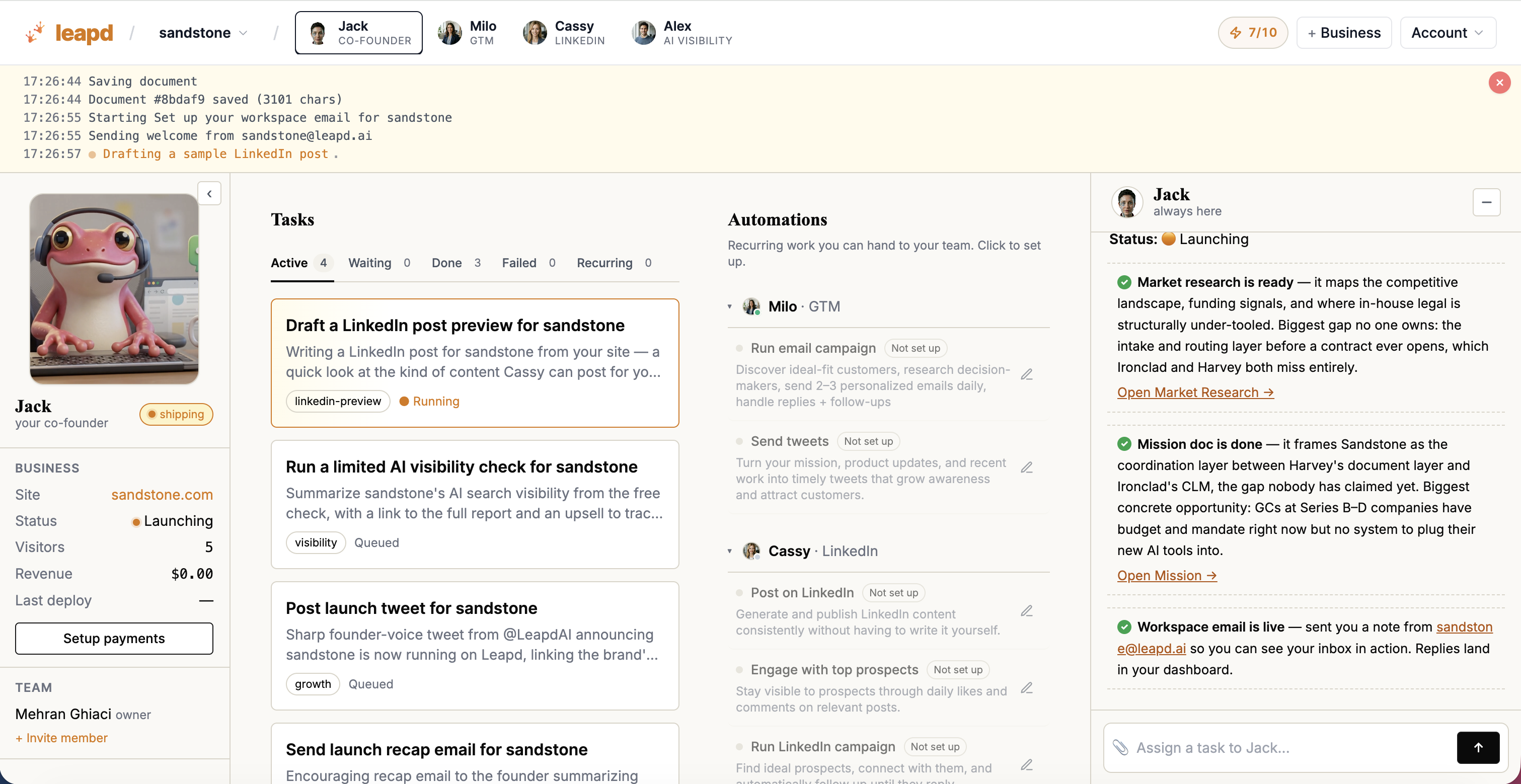
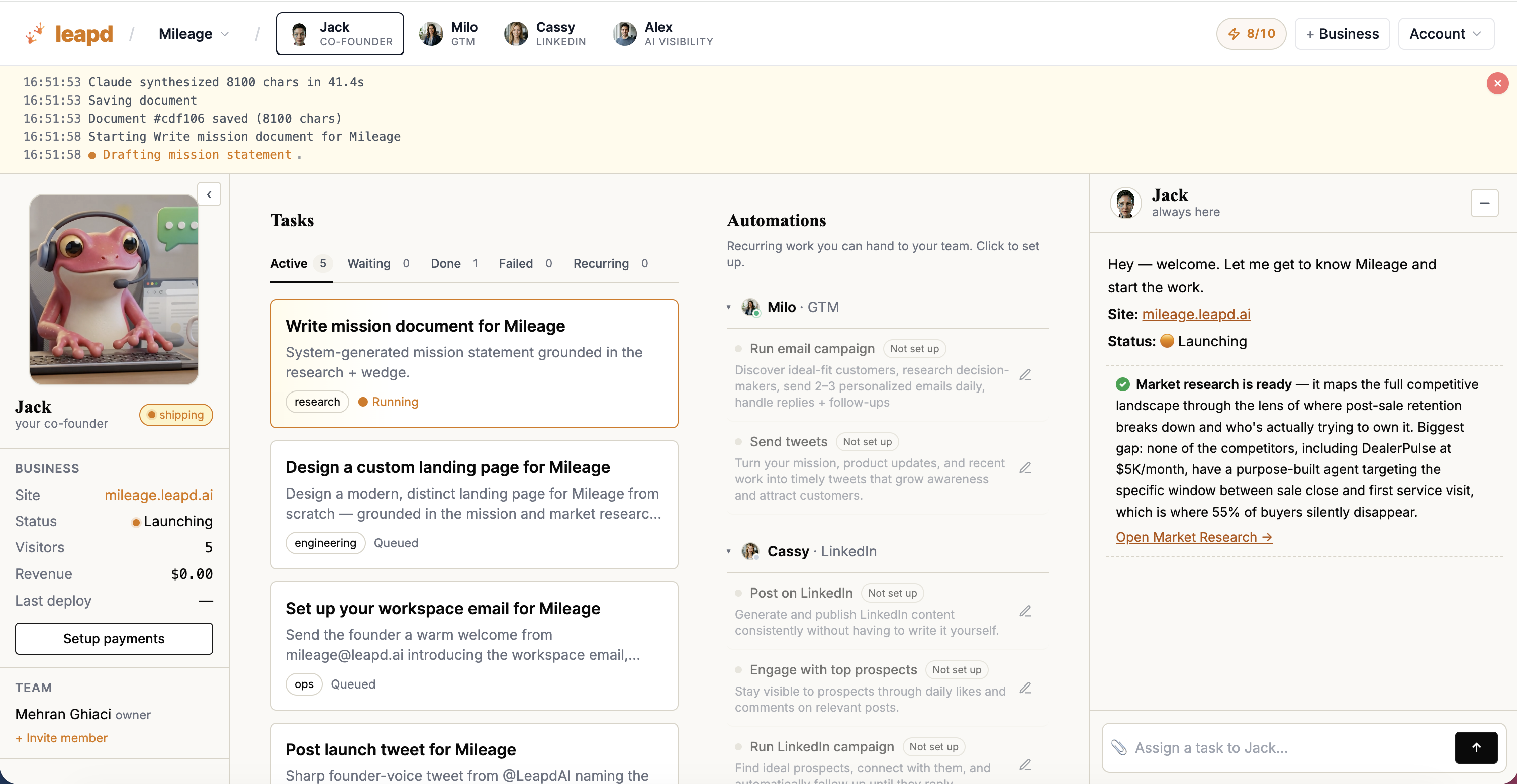
Leapd is an autonomous AI business builder and growth automation platform that doesn't just connect your existing tools. It creates and runs a complete business (or takes over the growth operations of one you already have) from a single starting point.
For founders launching a new business:
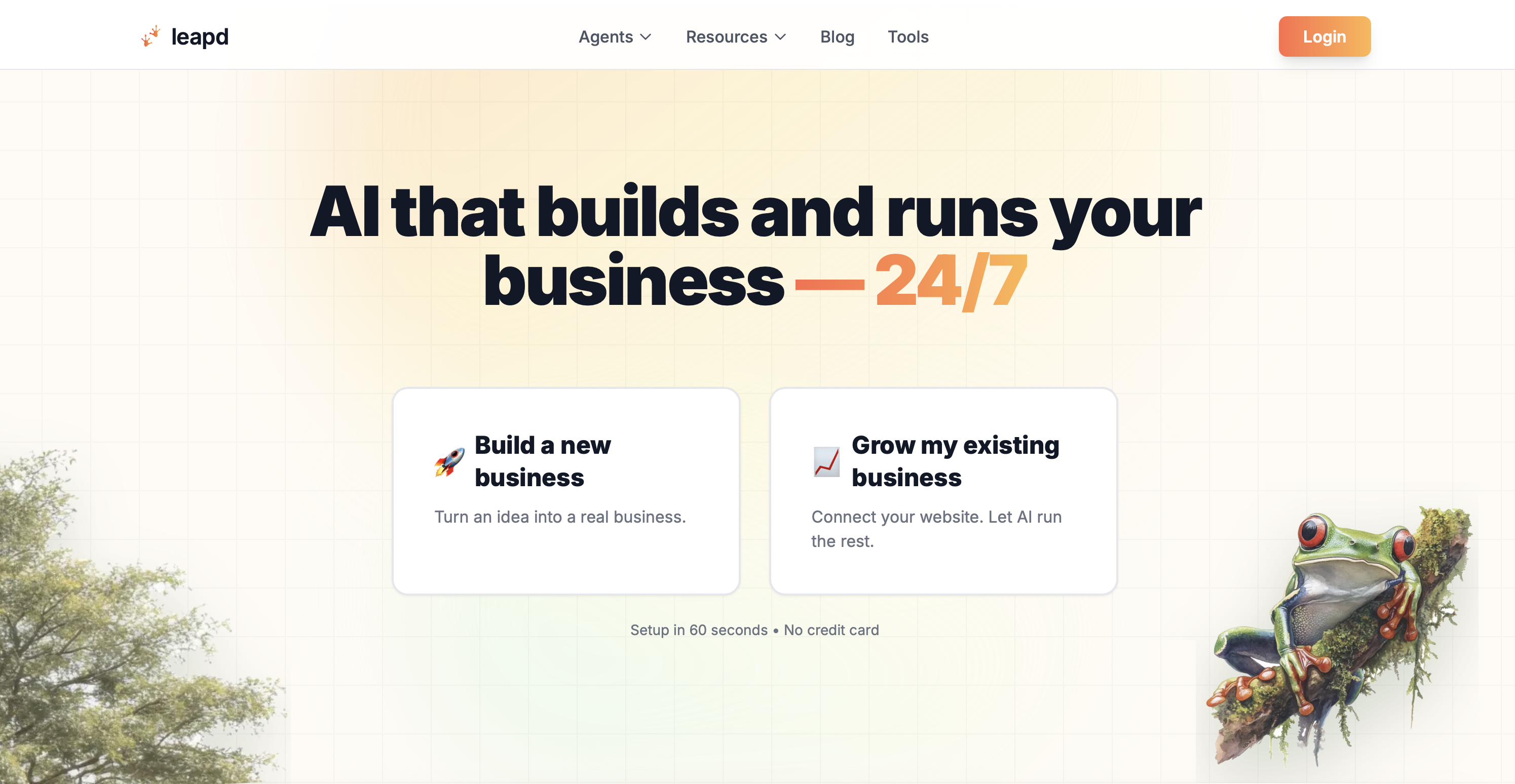
Type one sentence describing your idea. Leapd's AI researches the market, writes the mission, builds the product and landing page, and acquires the first customers. It then runs ads, content, and outreach continuously, with no human intervention required. Setup takes 60 seconds. The first report is delivered within 24 hours, with zero setup friction and no credit card.
That's not a tool that helps you automate. That's a real business from nothing.
For existing business owners:
Connect your website. Leapd's AI creates and runs engineering tasks, manages LinkedIn automation and content publishing, detects revenue leaks, and converts client transcripts into testable offers. It surfaces your best next move, not another think piece, and operates as a continuous growth cycle that never sleeps.
- Revenue leak detection: surfaces money you're already losing before it compounds
- LinkedIn automation: your LinkedIn working while you sleep, posting and engaging on a continuous cadence
- Client transcript to offer conversion: turns customer conversations into testable products or services
- Continuous growth cycle management: AI-generated and executed engineering tasks that keep your business moving forward
The economics are the clearest part of the argument. The six-tool stack described in Step 6 costs roughly $530/month once you outgrow the free tiers: LinkedIn content and scheduling ($89), engagement ($59), prospect extraction ($119), ICP enrichment and scoring ($135), outreach sequences ($79), and signal tracking ($49). Leapd plans start at $39/month, with a 2-day free trial and Jack, your AI co-founder, included. And unlike the stack, there's nothing to wire together.
Where conventional business process automation software requires you to design workflows, connect integrations, write sequences, and monitor performance, Leapd runs the entire growth operation autonomously. It's the difference between automating tasks and having an AI growth team that never sleeps. If you'd rather compare the category first, we reviewed the field in AI business automation platforms that run 24/7.
Every plan starts with a 2-day free trial. Start in 60 seconds →
The 5 Biggest Business Automation Mistakes (And How to Avoid Them)
Automation done wrong wastes more time than it saves. These are the five mistakes that trip up most founders:
1. Automating a broken process
If the manual version doesn't work reliably, automating it makes a broken process run faster, at scale. Fix the workflow first. Document every step. Then automate.
2. Starting with the most complex workflow
The 15-step, multi-tool sequence connecting your CRM, email platform, calendar, Slack, and invoicing tool is not your first project. Pick something with three steps or fewer. Get a win. Build momentum.
3. Building on a trial disguised as a free tier
If the platform requires a credit card to access the feature your automation actually depends on, it's not genuinely free: it's a trial with extra steps. Test tools in their free state before building anything mission-critical on them.
4. Skipping error handling and monitoring
Silent errors (where a workflow runs but produces wrong outputs) are the most dangerous kind. Set up failure notifications from day one. Review performance weekly until you trust the system. You don't want to discover your lead follow-up automation stopped working after 50 prospects went unanswered.
5. Replacing judgment with automation
Automation handles repetitive execution brilliantly. It can't replace the human ability to read context, handle exceptions, or make nuanced decisions. Design your systems with human review built in anywhere that touches money, contracts, or customer relationships.
Start small. Prove value. Expand deliberately. Each automation you add correctly gives you back time and confidence to tackle the next one.
Frequently Asked Questions About Setting Up Business Automation for Free
What is the best free business automation tool for solopreneurs?
For automating individual tasks, Zapier and Make have the widest app coverage on a free tier. But if the goal is automating the business rather than isolated workflows, Leapd is the answer: an autonomous AI growth platform that builds and runs marketing, outreach, content, and engineering tasks end-to-end. It starts with a 2-day free trial and delivers its first report within 24 hours, where task-level tools leave the strategy and the wiring to you.
What is business process automation software and do I need it as a solopreneur?
Business process automation software is any tool that replaces manual, repetitive tasks with automatic systems, from invoicing and email marketing automation to content scheduling and lead routing. As a solopreneur, it's not optional if you want to scale without hiring. Automation is how a one-person business outputs at the level of a small team.
Can I actually automate my business without a credit card?
Yes, with caveats. Zapier (100 tasks/month), Make (1,000 operations/month), Tally (unlimited forms), HubSpot CRM, and Buffer (3 channels, 10 posts) all operate without payment details, though each covers only one slice of the stack. The key distinction is between genuinely free plans and free trials: the former work indefinitely within limits, the latter expire. Leapd starts with a 2-day free trial and covers the whole growth operation rather than a single function.
What should I automate first in a new business?
Start with lead capture and follow-up. It's high-frequency, rule-based, and directly tied to revenue. A three-step workflow: form submission → CRM contact creation → welcome email, takes two hours to set up and eliminates 30–60 minutes of daily manual work. Once that runs cleanly for two weeks, add a social media scheduler for your content as your second automation.
What's the difference between a free trial and a genuinely free automation tool?
A free trial gives you full access for 14–30 days, then cuts you off or forces a paid plan. A genuinely free automation tool has a permanent free tier (with defined limits) that works indefinitely without payment. When evaluating tools, check whether the free plan requires a credit card upfront (a strong signal it's trial-based) and whether the features your automation actually needs are available on the free tier.
Do AI tools for business automation require coding skills?
No. Modern no-code automation platforms use visual interfaces, drag-and-drop builders, and natural-language prompts. You describe what you want; the platform handles the underlying logic. Leapd takes this further: you type one sentence and the AI builds and runs an entire business operation, with no technical input required at any stage.
How is Leapd different from other marketing automation software for small businesses?
Most marketing automation software for small business automates individual tasks you design and maintain. Leapd creates and executes engineering tasks autonomously, runs LinkedIn automation, detects revenue leaks, and manages the full growth cycle without requiring you to build or monitor workflows. Plans start at $39/month, and the entire system runs 24/7. You get actionable outputs: your best next move, not another think piece.
The Fastest Way to Start Automating Your Business Today
The path forward is clear. Audit your time, identify your three highest-cost manual workflows, and start with the one closest to revenue. Use free business automation tools (real free tiers, not trials) to build your first workflow. Prove it works. Then add the next.
Or skip the assembly entirely. Leapd builds and runs your business from a single sentence: market research, product, landing page, customers, ads, content, and outreach, all running autonomously from day one. Every plan starts with a 2-day free trial. First report in 24 hours.
Build a business that grows itself. Start your free trial today at leapd.ai.